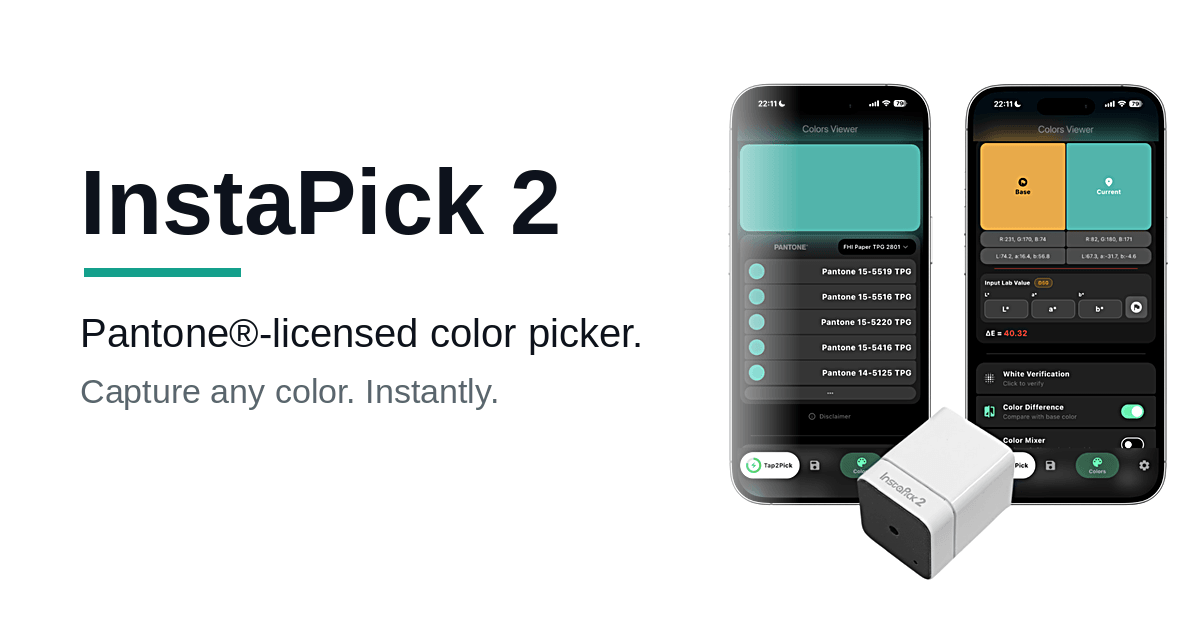


下載InstaPick for WindowsInstaPick 取色器的 Windows 桌面版。支援 Windows 10(1803以上,64位元)與Windows 11,需要藍牙低功耗(內建或 USB 藍牙接收器)。
⬇下載 InstaPick 1.2.0(Windows 安裝檔,約 13 MB)
安裝檔已內含VC++ 執行元件,下載後直接執行即可,不必另外安裝其他東西。已安裝舊版的電腦,直接執行新版安裝檔就會覆蓋更新,收藏與設定都會保留。
安裝步驟
點上方連結下載 instapick-1.2.0-setup.exe。
執行下載的安裝檔。若 Windows 跳出「Windows 已保護您的電腦」藍色視窗,點左下角「其他資訊」,再點「仍要執行」即可繼續(此提示是因為安裝檔尚未購買程式碼簽章,屬正常情況)。
依安裝精靈指示完成安裝(支援繁中、簡中、英、韓、西五種語言)。
- 安裝後可從「開始」功能表開啟 InstaPick;若要移除,從「設定 → 應用程式」正常解除安裝即可。
檔案校驗(進階,可略過)
如需確認檔案完整性,本安裝檔的SHA-256 為:
AD740208E813075EEB2686D48A2BB329C43696274CD6ABB070C47DD8FDD18513
Download InstaPickfor Windows
The Windows desktop version of the InstaPick color picker. Runs on Windows10 (1803 or later, 64-bit) and Windows 11. Requires Bluetooth Low Energy
(built-in or a USB Bluetooth adapter).⬇Download InstaPick 1.2.0 (Windows installer, ~13 MB)
The installer bundles the VC++ runtime, so you can just run it afterdownloading. If you already have an older version installed, running the new
installer updates it in place and keeps your saved colors and settings.Installation
Download instapick-1.2.0-setup.exe from the link above.
Run it. If Windows shows a blue “Windows protected your PC” dialog, click “More info”, then “Run anyway”. (This appears only because the installer is not yet code-signed; it is safe to continue.)
Follow the setup wizard (available in Traditional Chinese, Simplified Chinese, English, Korean, and Spanish).
- Launch InstaPick from the Start menu. To remove it, uninstall normally from Settings → Apps.
- File verification(advanced, optional)
SHA-256 of the installer:
AD740208E813075EEB2686D48A2BB329C43696274CD6ABB070C47DD8FDD18513
- 安裝後可從「開始」功能表開啟 InstaPick;若要移除,從「設定 → 應用程式」正常解除安裝即可。
© 2014 – 2026 Ufro Inc. All rights reserved. PANTONE® and other Pantone trademarks are the property of Pantone LLC and are used under license by Ufro Inc.