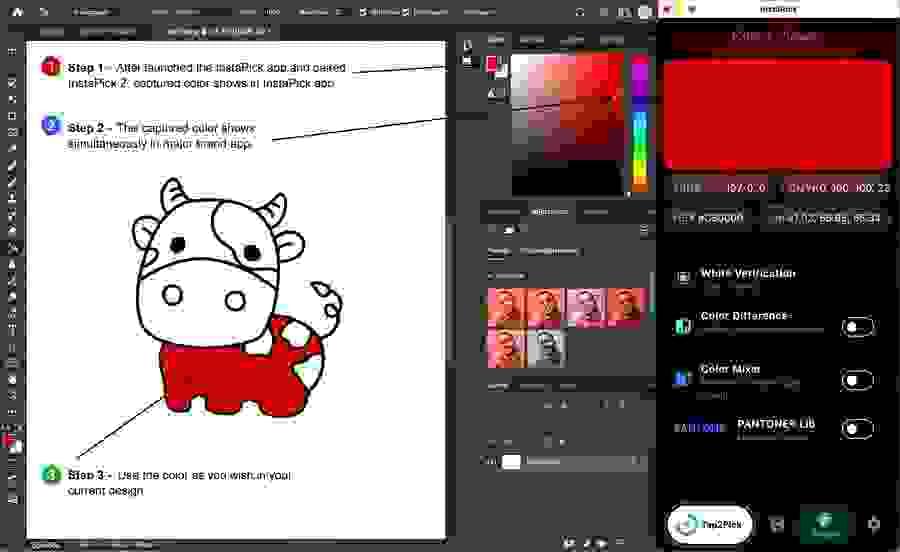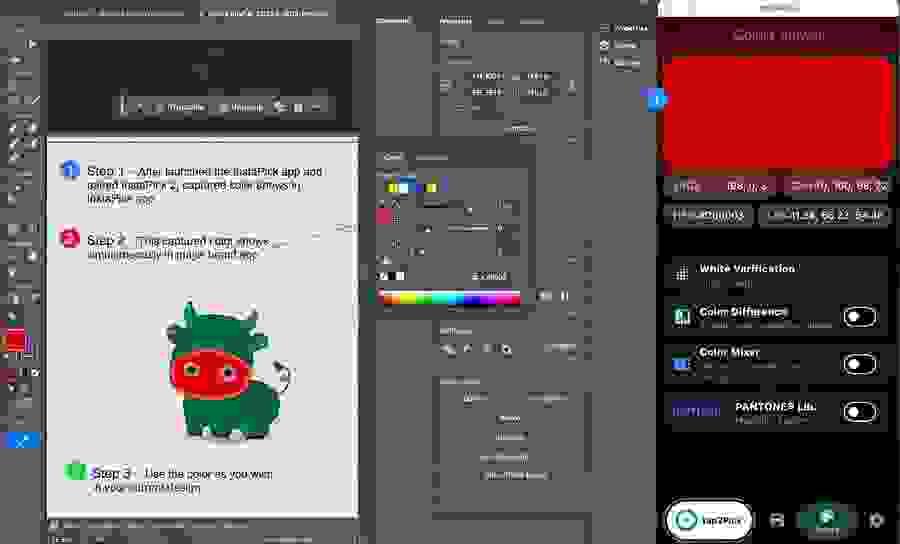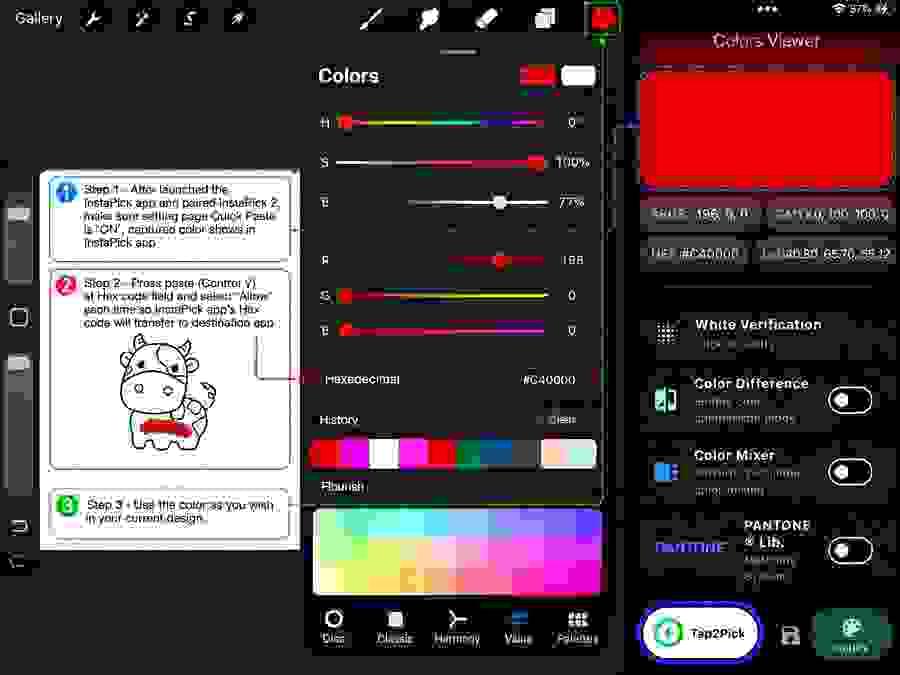
• Section image
  • Section image
  • Section image
  • Section image
  • Section image
  • Section image
  • Section image
  • Section image
  • Section image
  • Section image
    Section image
    Section image
    Section image
  • Section image
  • Shop Now

    Check out our products.

    InstaPick 2

    InstaPick 2

    $119.00
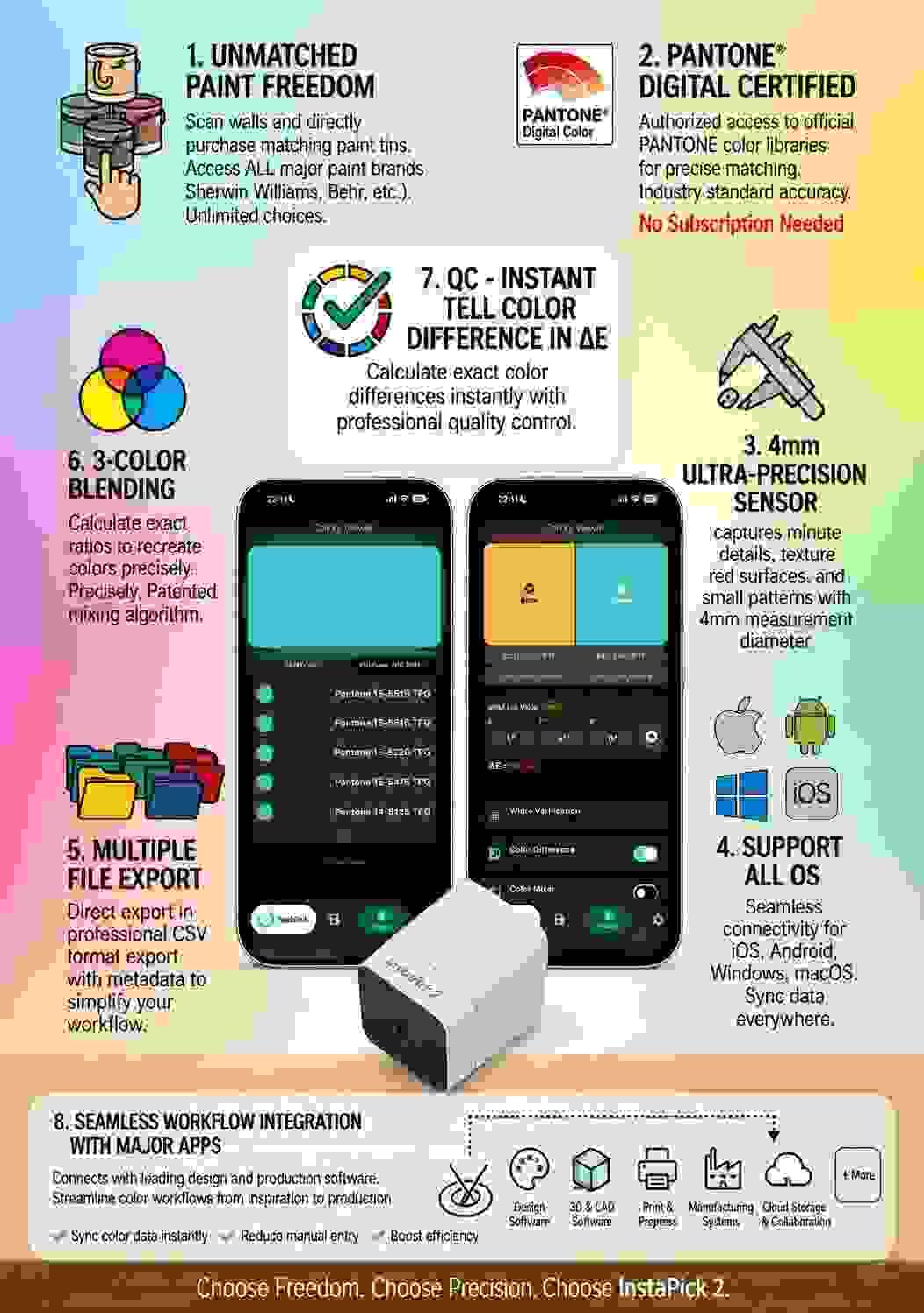
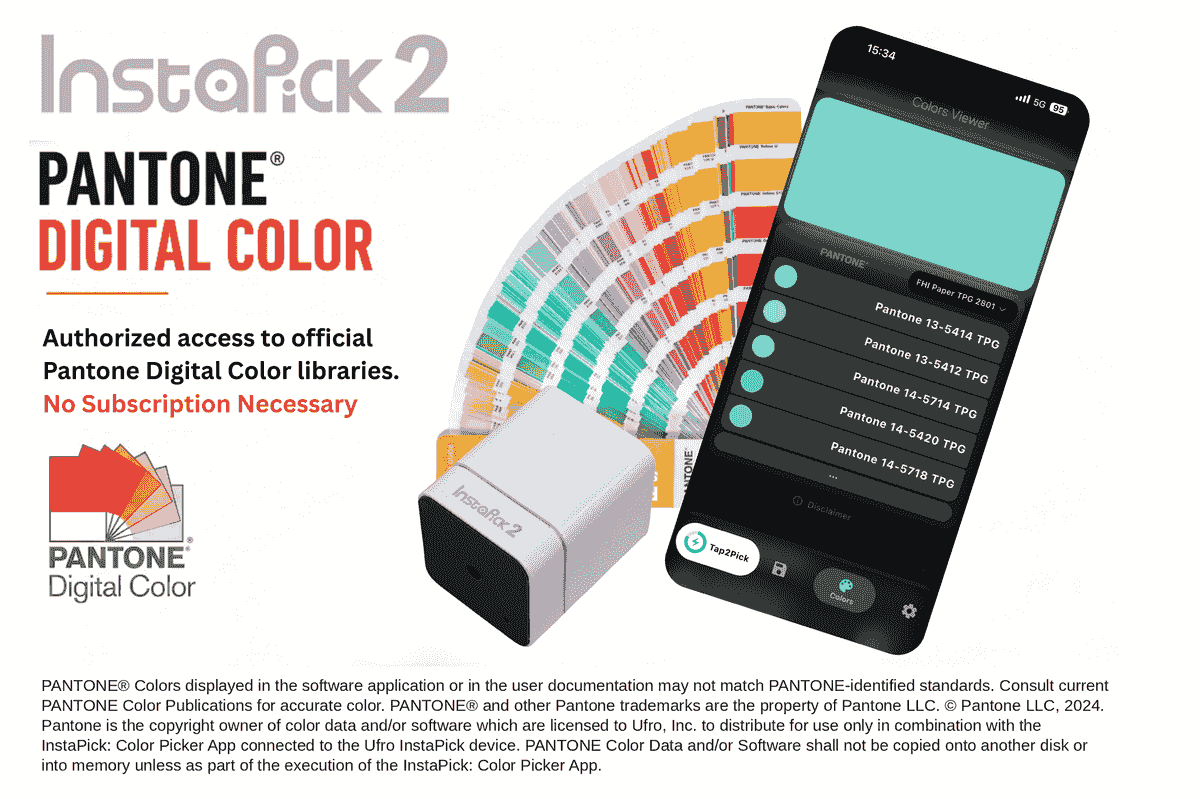
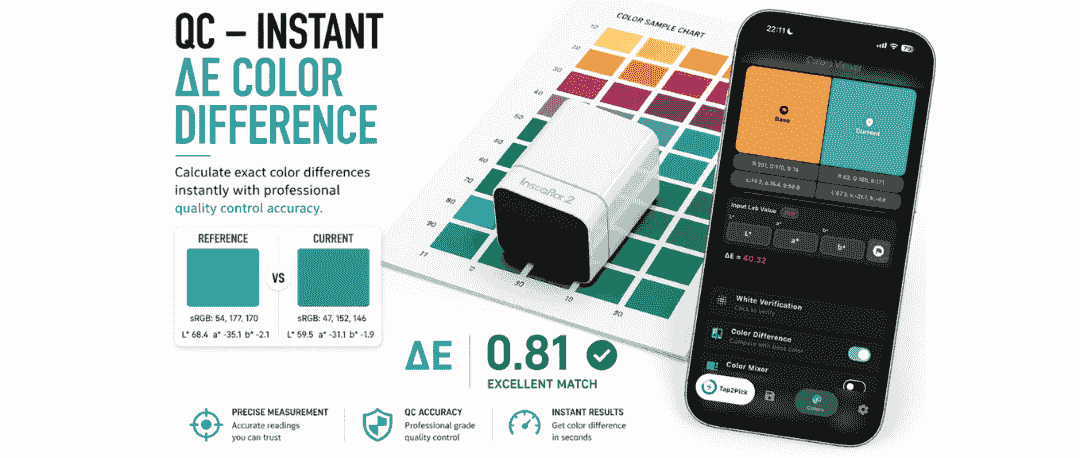
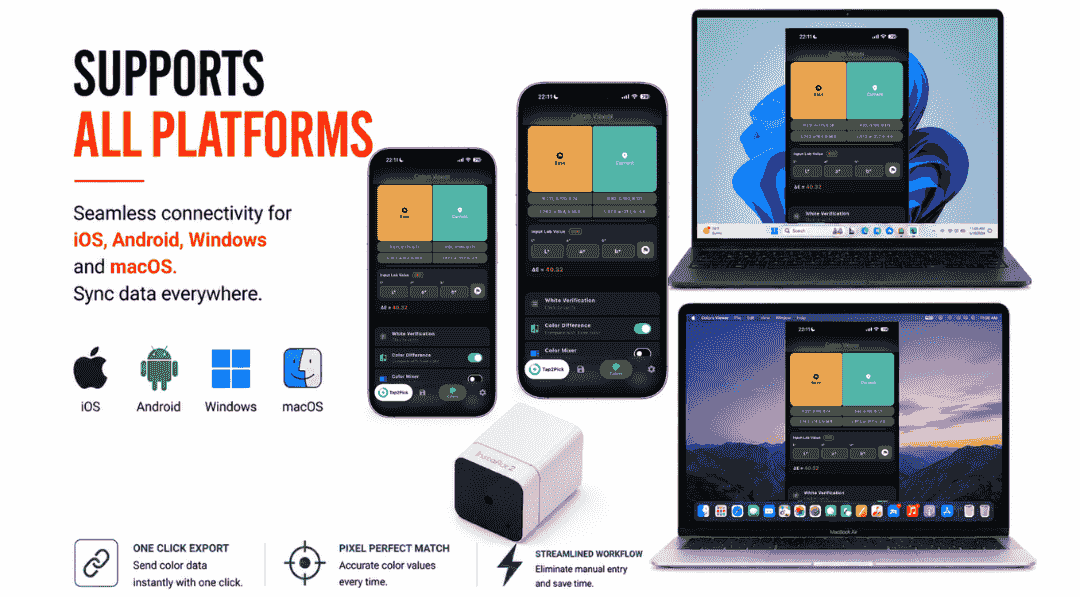
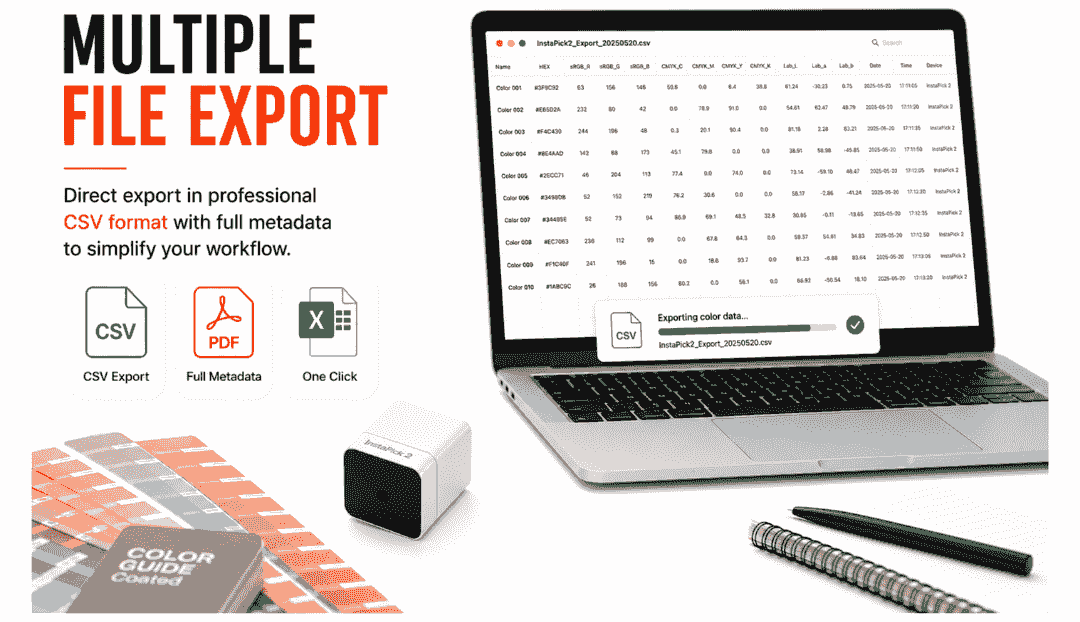
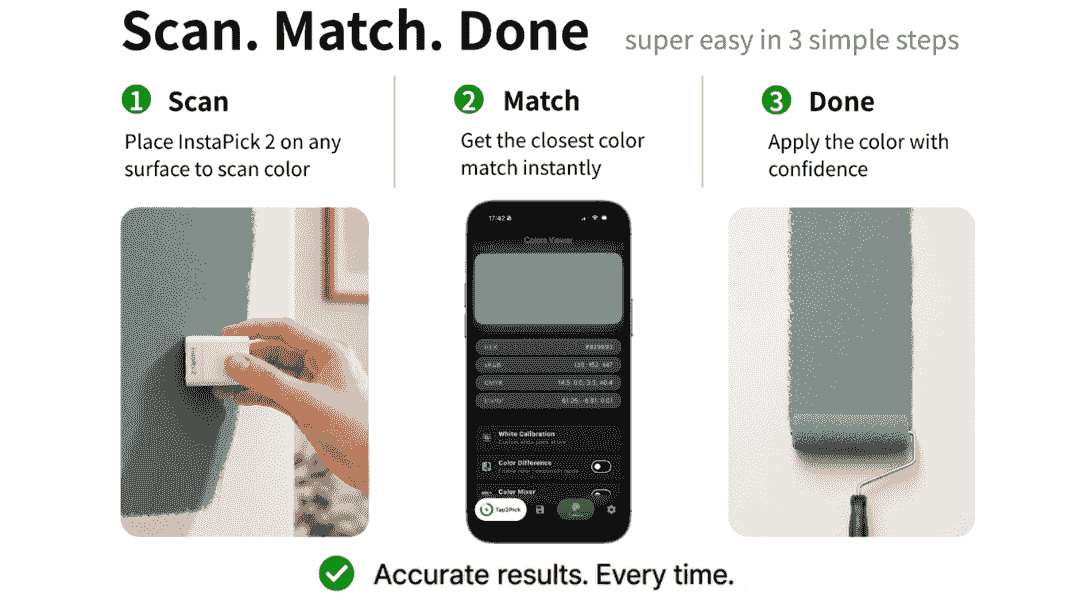
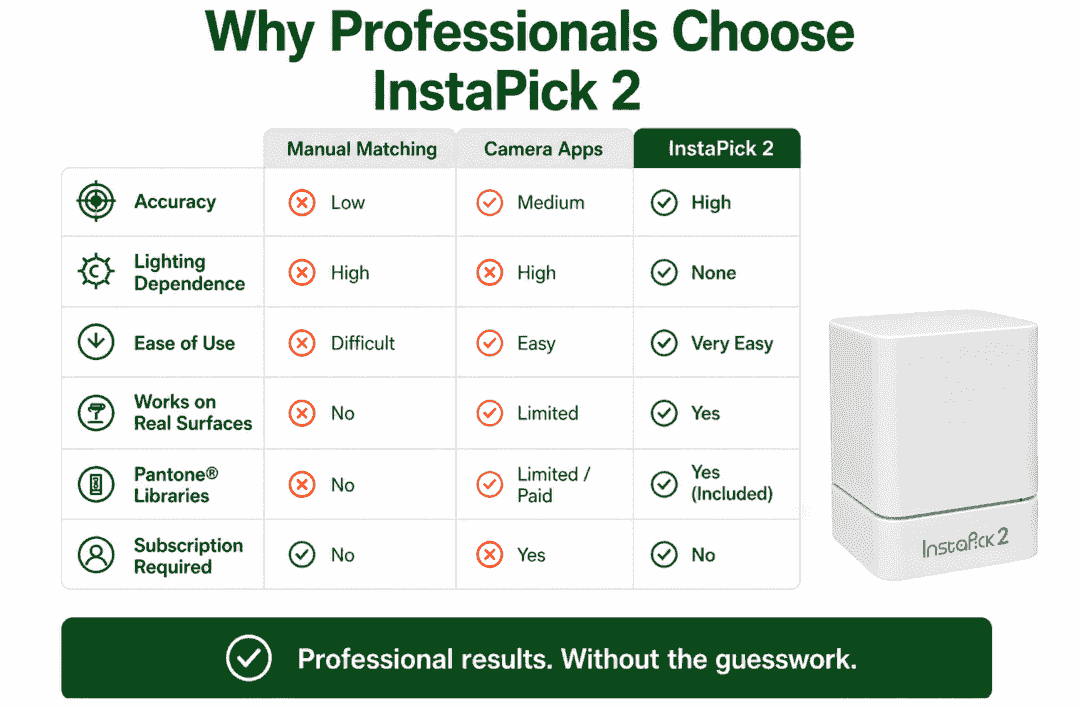
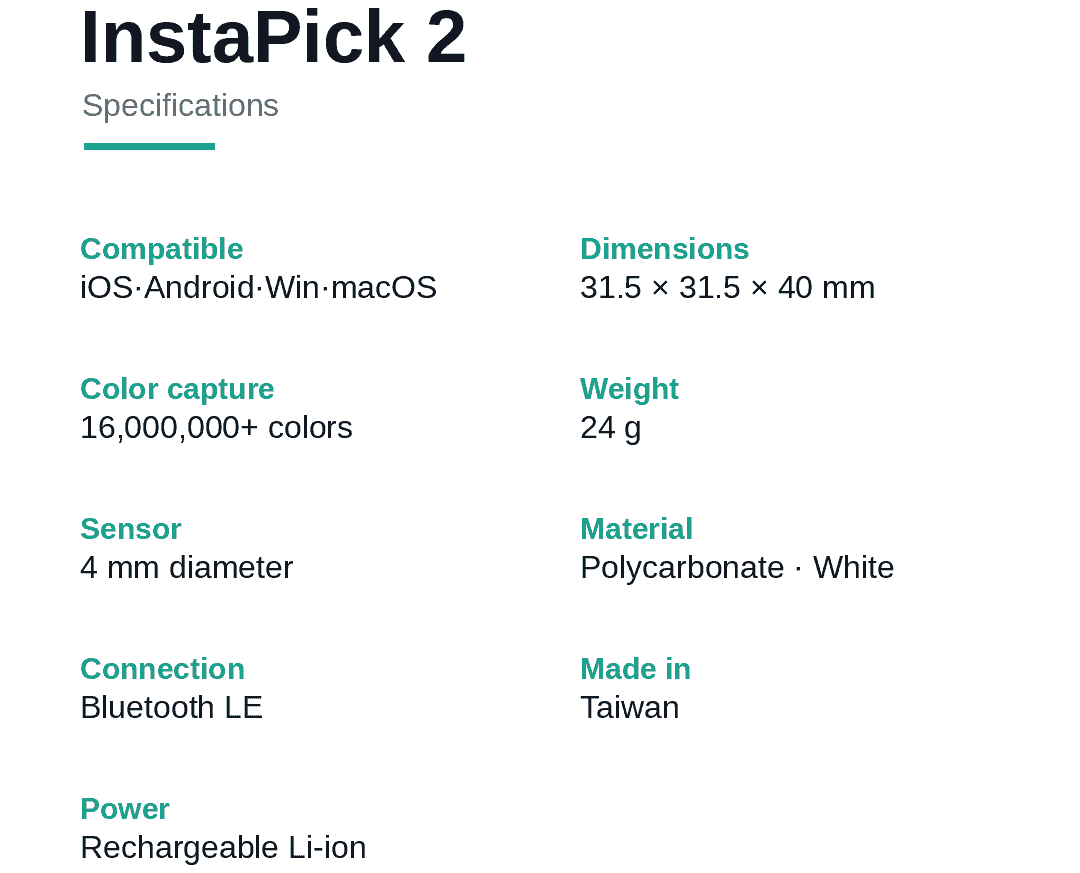
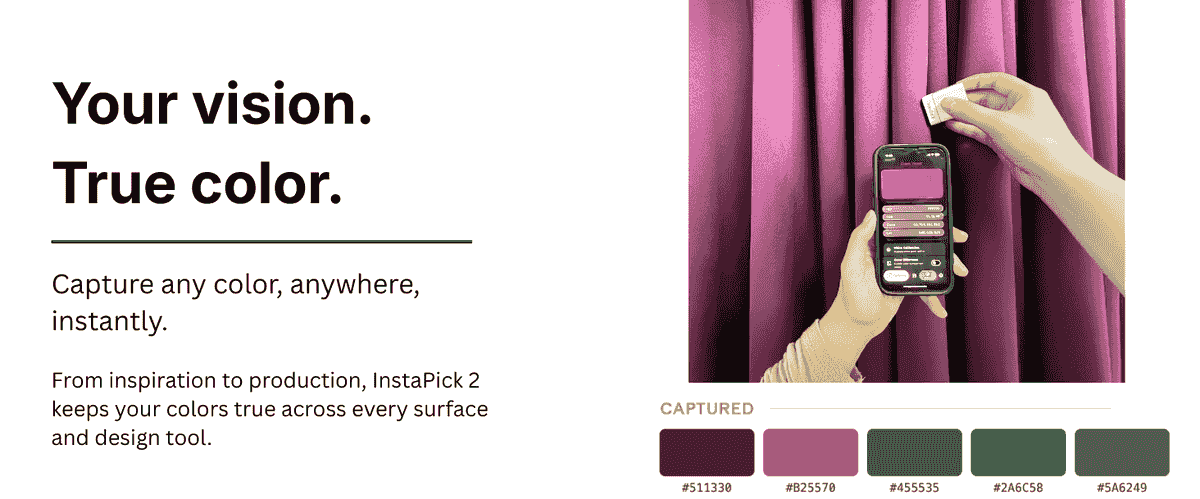
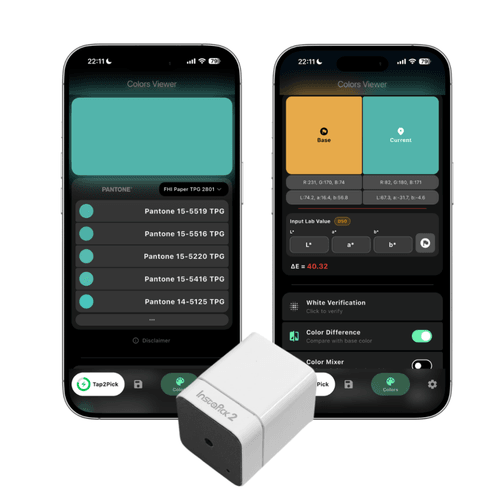
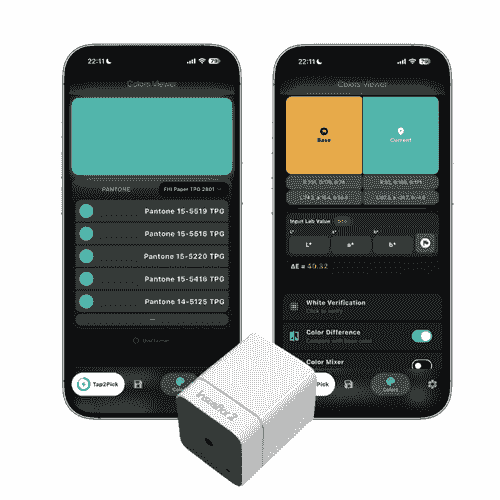
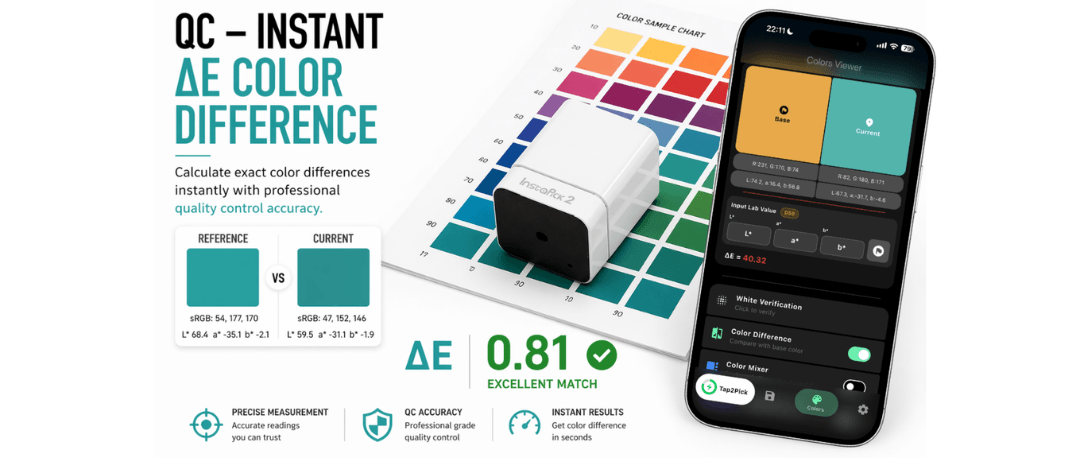
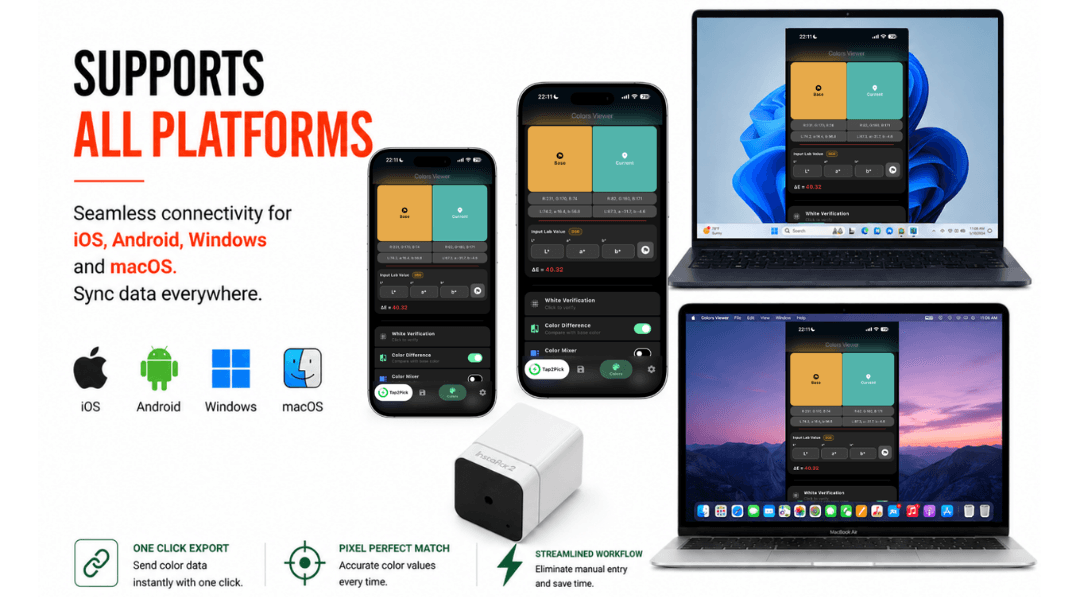
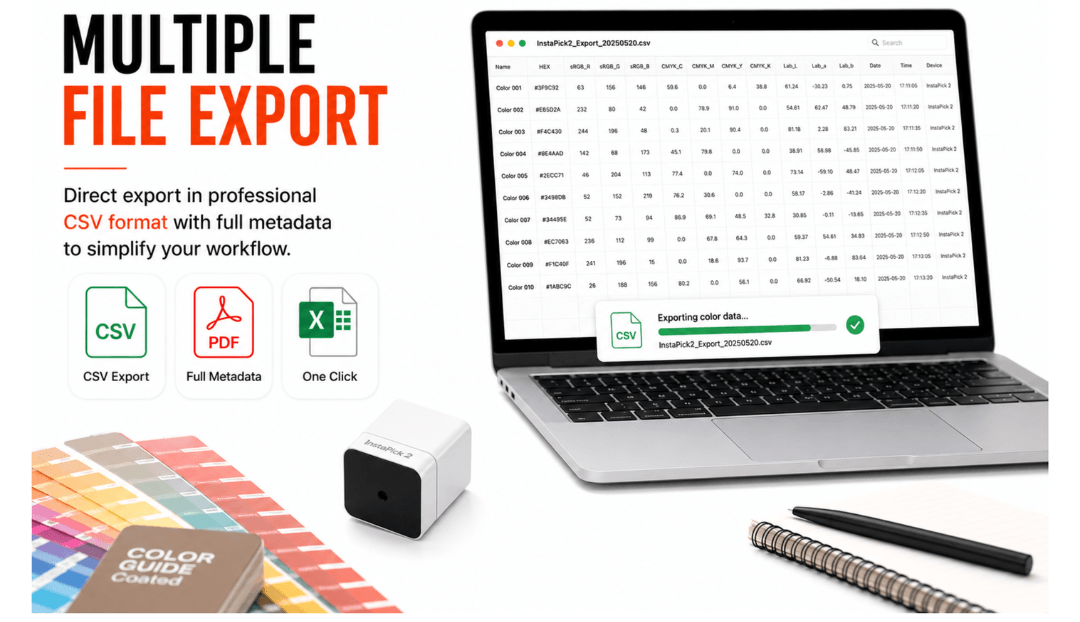
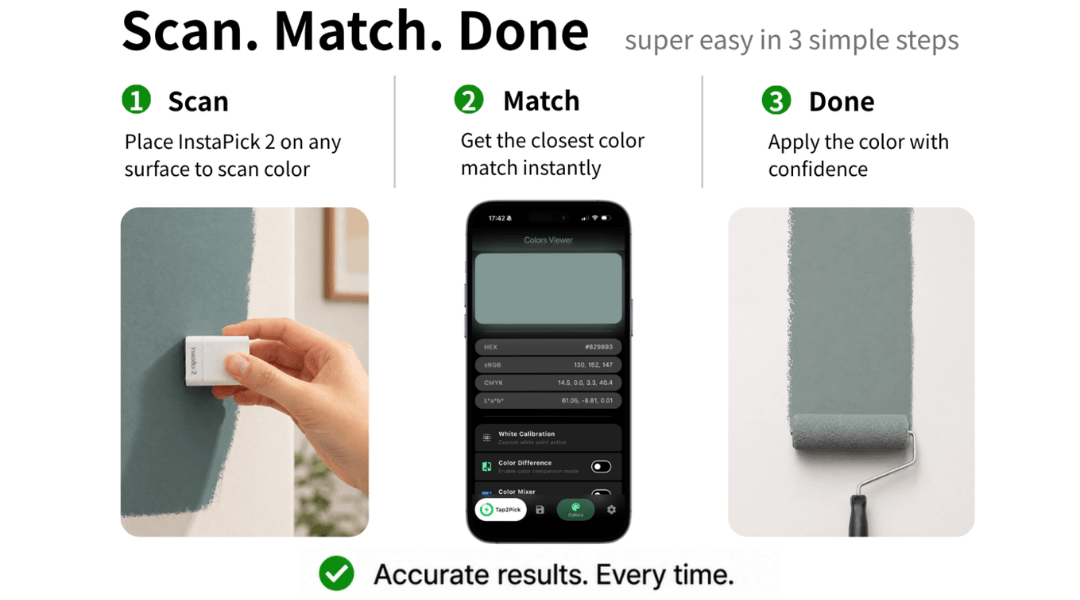
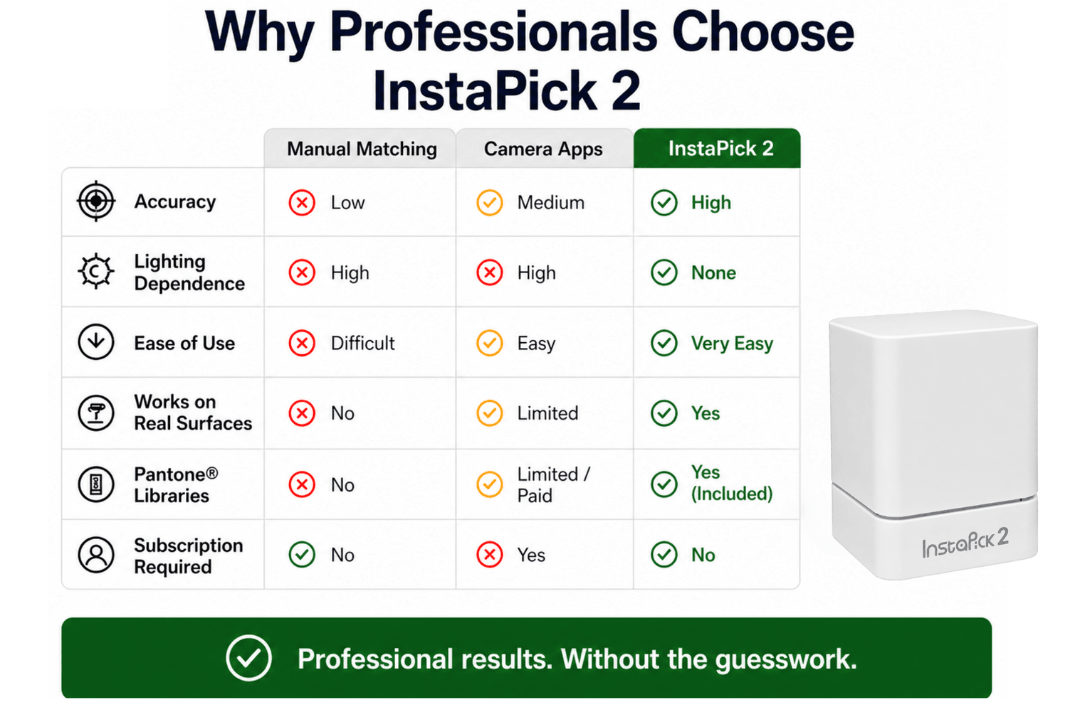
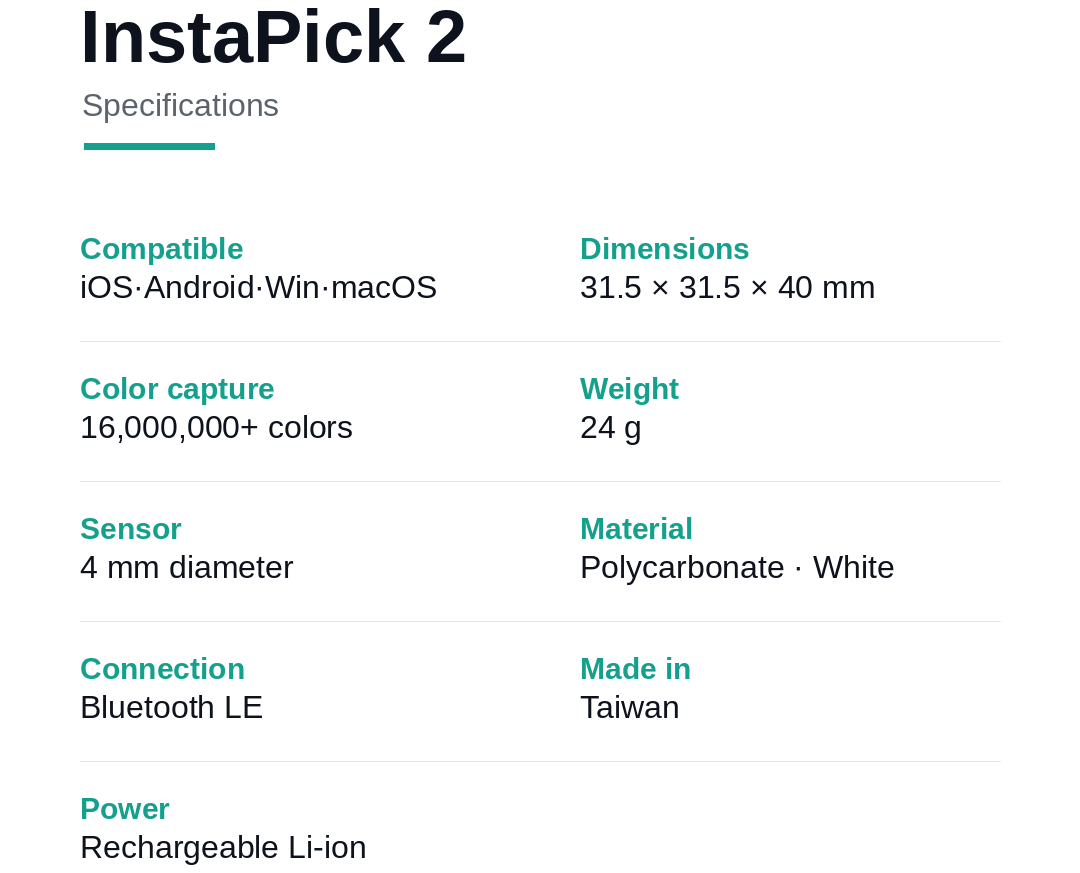
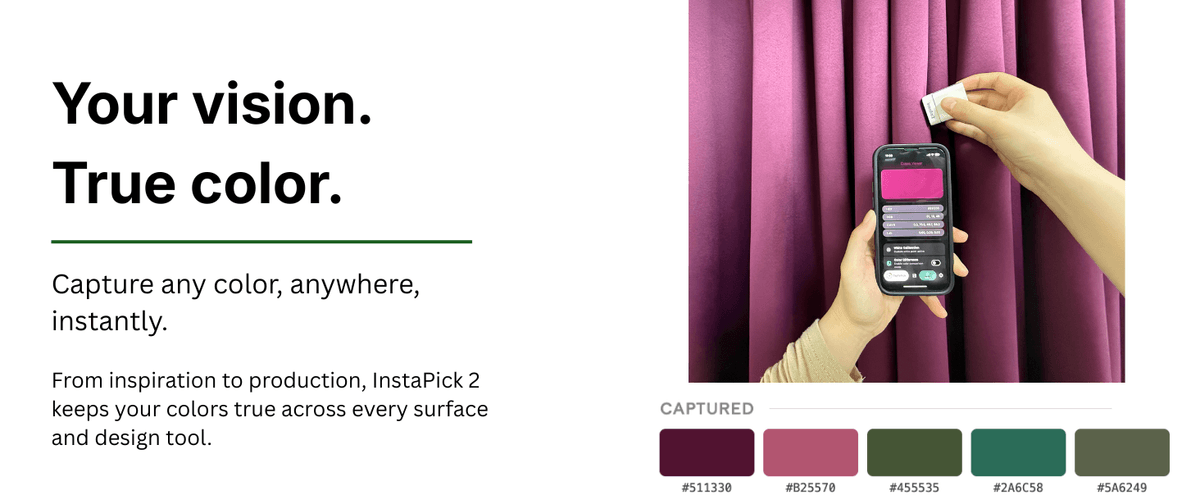
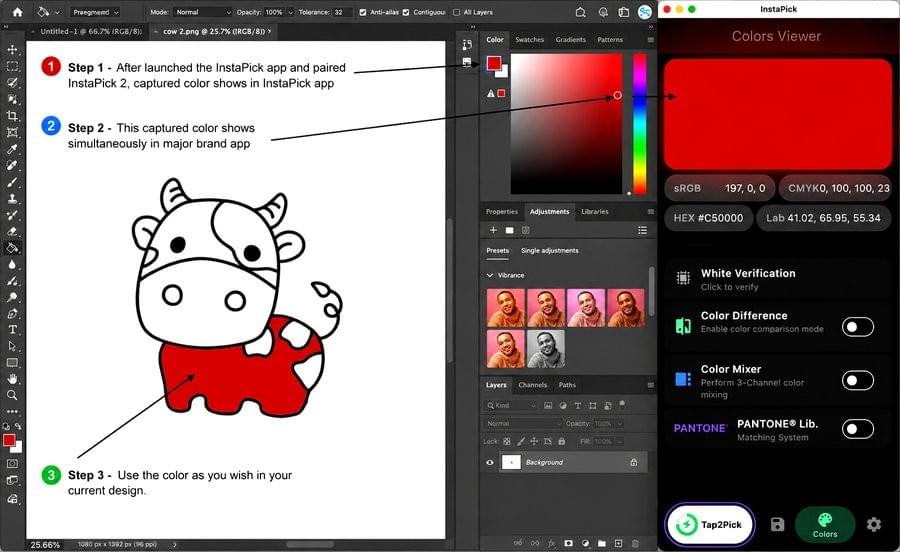
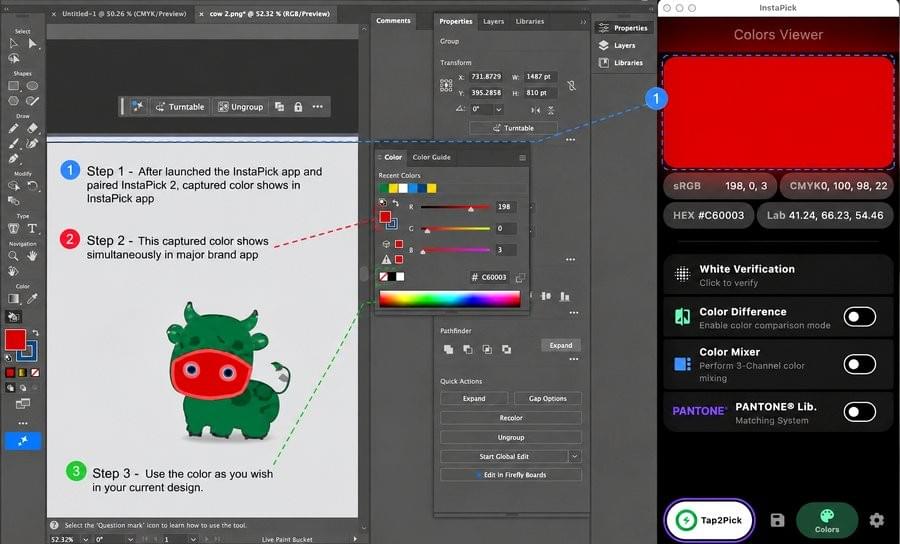
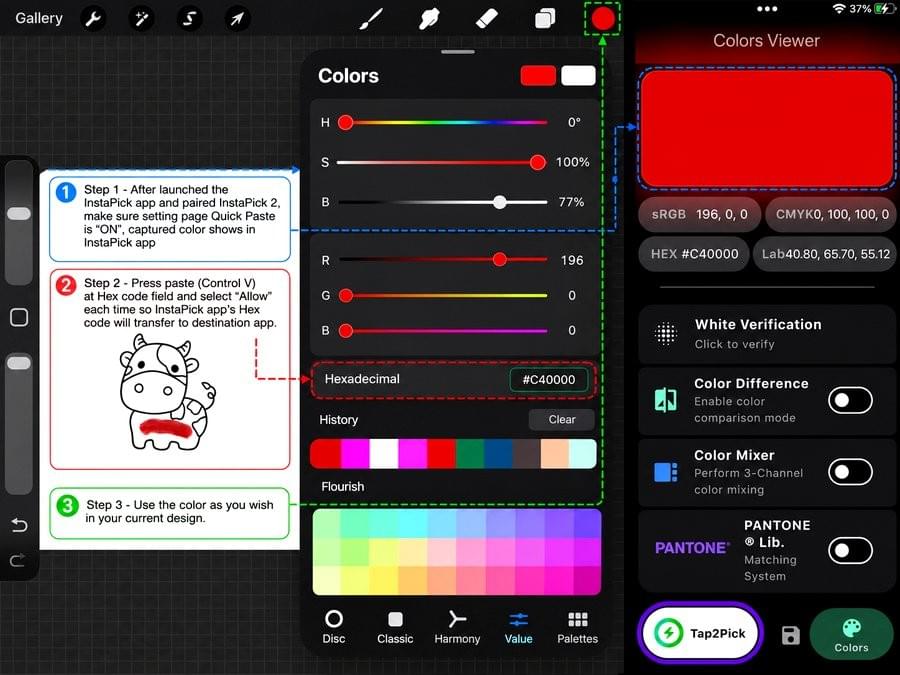
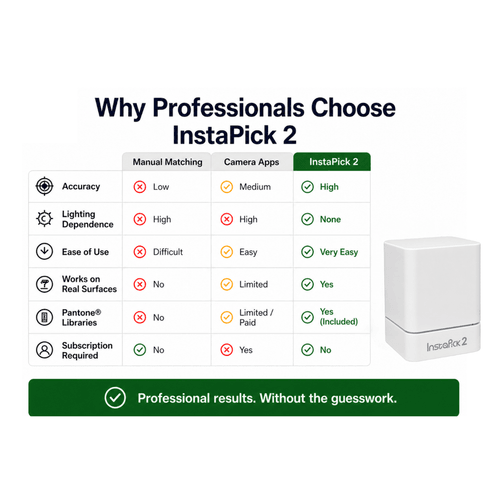
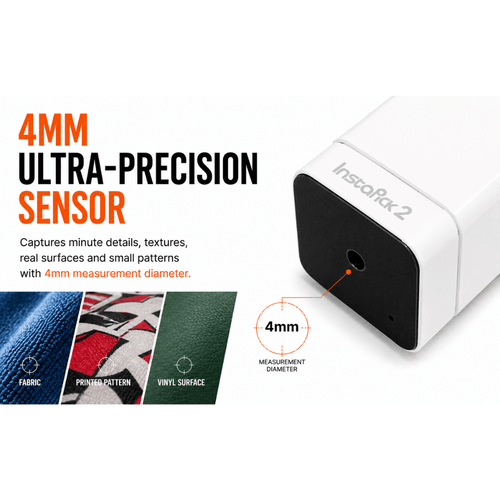
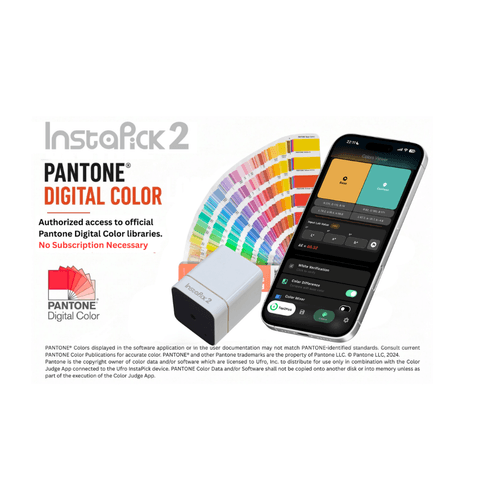
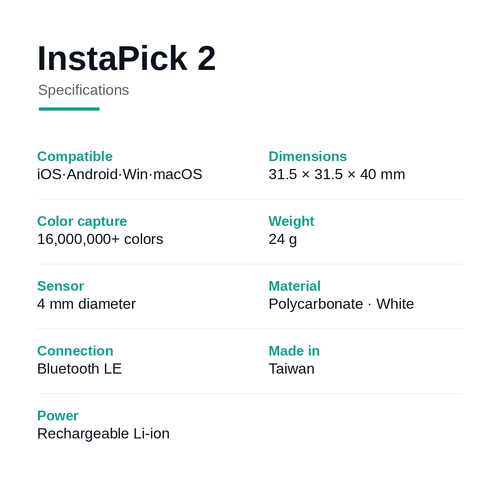
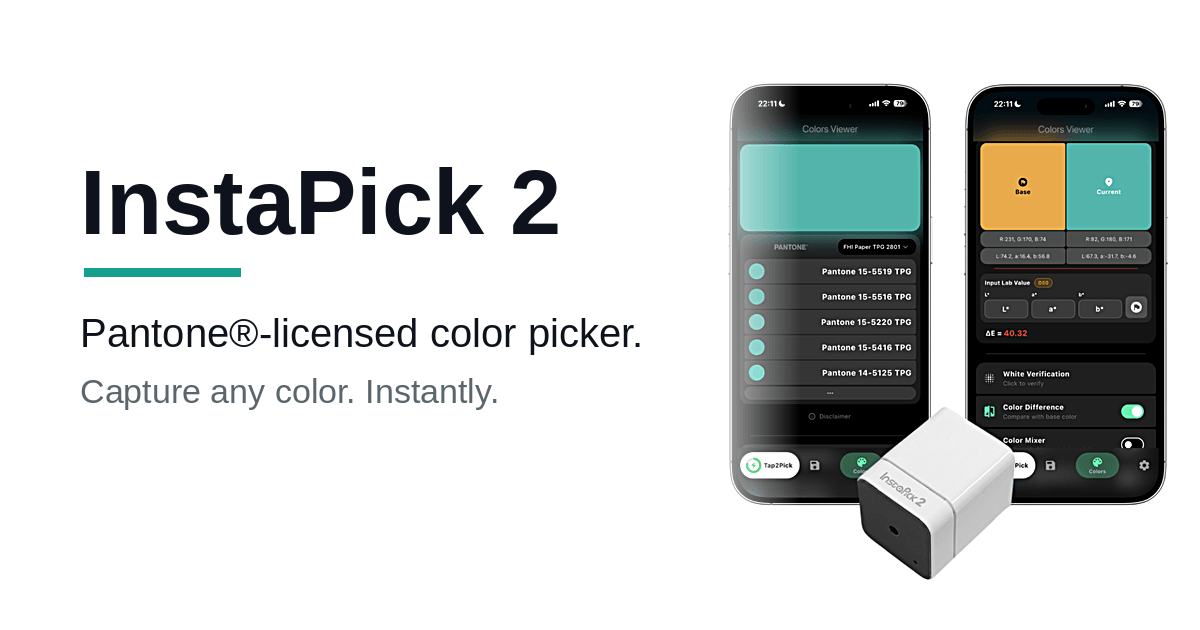
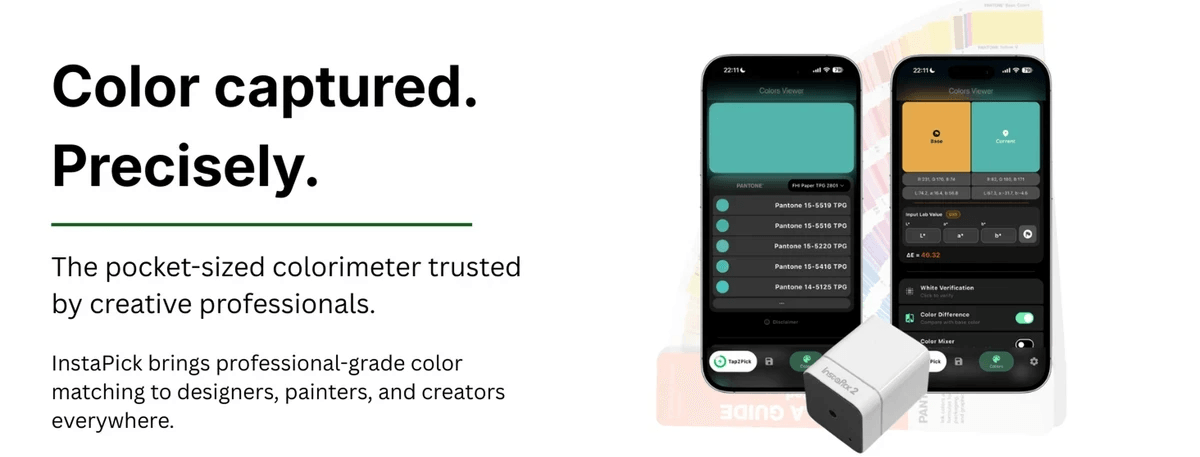
    Press it on any surface and get the exact color plus its nearest Pantone® match in seconds. Works with the free InstaPick: Color Picker app on iOS, Android, Windows and macOS — Lab, CMYK & RGB, live ΔE, no subscription. Pantone®-licensed.
    Quantity
    Coming soon
  • FAQ

    Product & support

    Where can I download the user manual?

    Please download the InstaPick 2 user manual here.

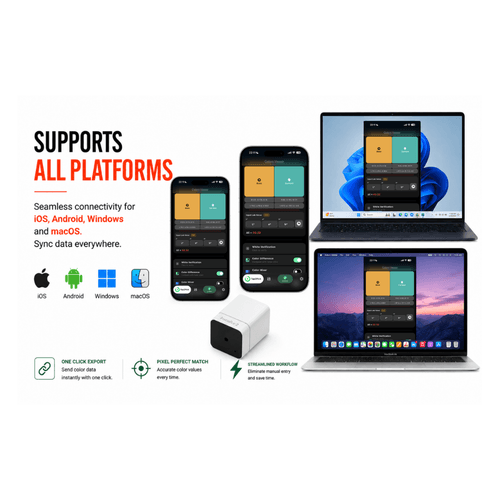
    Which platforms does InstaPick 2 support?

    1. iOS 15.6 or later
    2. Android 12 or later
    3. Windows 10 or later
    4. macOS 13 or later

    Works with the free InstaPick:Color Picker app on all four.

    Troubleshooting

    The app can't find my InstaPick

    1. Make sure your InstaPick is charged and powered on.
    2. Check that Bluetooth is enabled on your phone or computer.
    3. Close the app and reopen it.
    4. Restart the InstaPick (re-seat it on the charging dock, then power on).
    5. Move closer to the device (within 5 m / ~15 ft).
    6. iOS users: confirm the app has Bluetooth permission.

    White-balance calibration failed

    1. Make sure the calibration cap is seated correctly.
    2. Check that the white reference inside the cap is clean.
    3. Clean the sensor aperture on the base of the device.
    4. Press the InstaPick firmly so the cap sits flush against it.
    5. Check the battery level — low battery can cause calibration to fail.
    6. Calibrate in a well-lit environment.

    Captured color doesn't match the real color

    1. Run a white-balance calibration as prompted in the app.
    2. Make sure lighting is bright and even when capturing.
    3. Press the InstaPick straight down — don't tilt it.
    4. Capture on a flat, texture-free surface.
    5. Avoid capturing under direct, strong sunlight.
    6. Clean the sensor aperture and cap regularly.

    Cleaning tips: wipe gently with a clean, soft cloth. Avoid chemical solvents. Keep the sensor aperture free of dust and fingerprints.

    Frequent disconnects, or can't capture color

    1. The device auto-sleeps after a period of inactivity.
    2. Press the button again to wake it.
    3. It will reconnect automatically.

    Android device won't scan for Bluetooth

    1. Keep the InstaPick within 5 m (~15 ft) of your device.
    2. Avoid metal objects that can block the signal.
    3. Turn off other Bluetooth devices that may interfere.
    4. Check that the InstaPick has enough charge.
    5. Restart both the app and the device.
    6. Disconnect manually in the app, then reconnect.

    Captured color doesn't match the real color

    1. Run a white-balance calibration as prompted in the app.
    2. Make sure lighting is bright and even when capturing.
    3. Press the InstaPick straight down — don't tilt it.
    4. Capture on a flat, texture-free surface.
    5. Avoid capturing under direct, strong sunlight.
    6. Clean the sensor aperture and cap regularly.

    InstaPick is unresponsive after sitting unused

    1. To save power, the device auto-sleeps after a period of inactivity (unless Always On is enabled).
    2. Press the button to wake it — it reconnects automatically.
    3. InstaPick 2 supports an Always On mode; toggle it in the app if you'd rather it stay awake.

    Android device won't scan for Bluetooth

    1. Android requires Location permission to scan for Bluetooth (an OS restriction).
    2. Go to Settings › Apps › InstaPick: Color Picker › Permissions.
    3. Enable the Location permission.
    4. Enable the Nearby devices permission (Android 12+).
    5. Restart the app.

    iOS asks for Bluetooth permission

    1. Go to Settings › Privacy & Security › Bluetooth.
    2. Find InstaPick: Color Picker and turn the permission on.
    3. Restart the app.
  • Contact Us

    You + We = Awesome